Installation on the Sound Module
- Preparation: Make sure your sound module is turned on, operational, and connected to the PC.
- The sound module requires at least firmware version 2024.3 or higher.
- After startup, the module is automatically detected and displayed in the program.
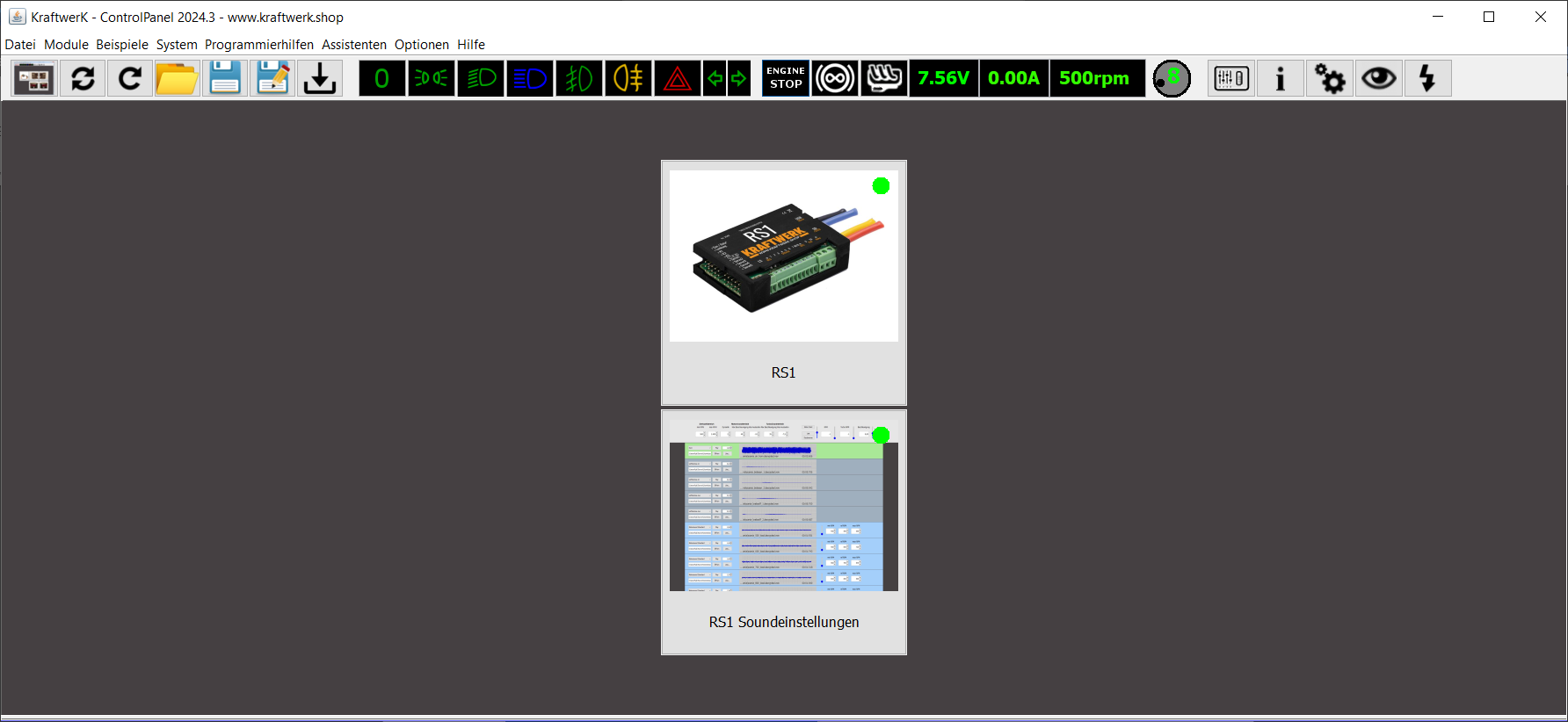
image3.png
Open Sound Settings
Open the sound settings in the program.
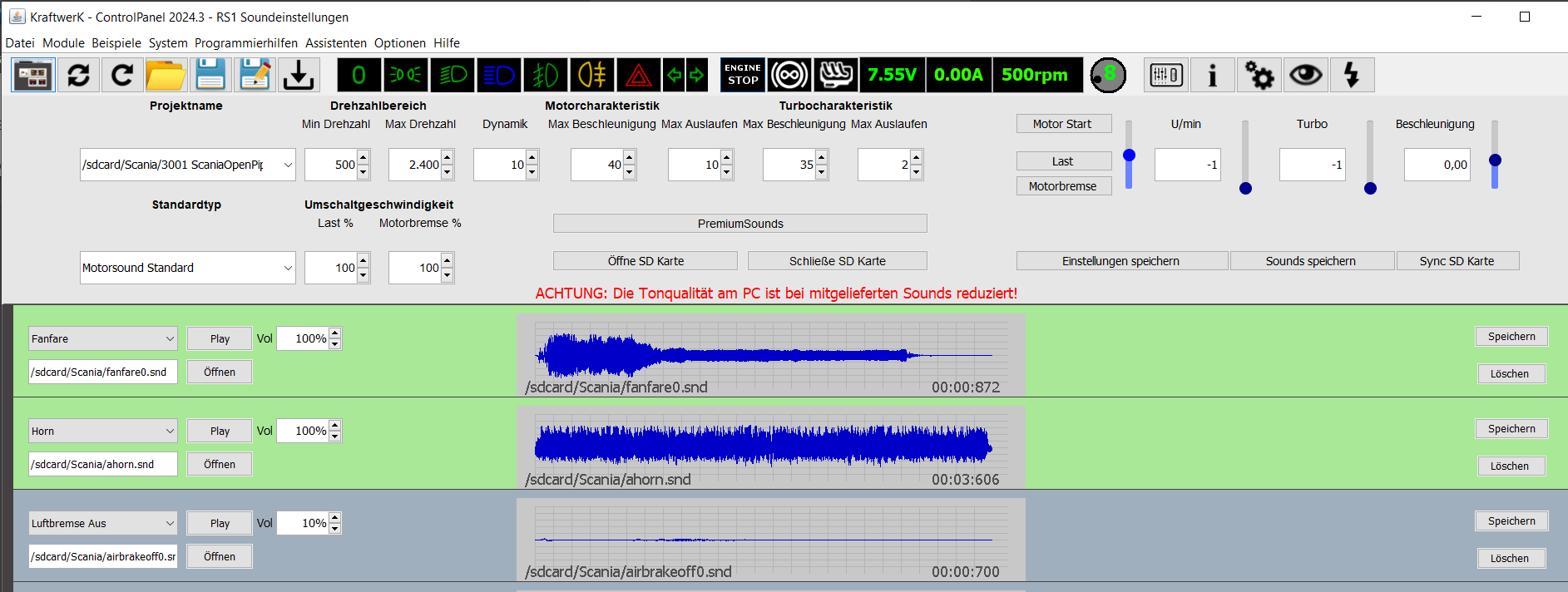
image4.png
Then click the “Premium Sounds” button to launch the premium sound manager.
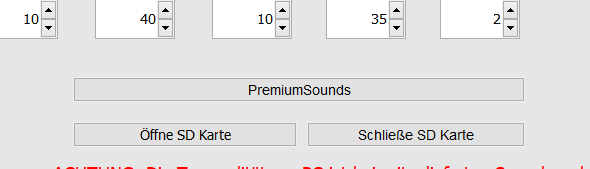
image5.png
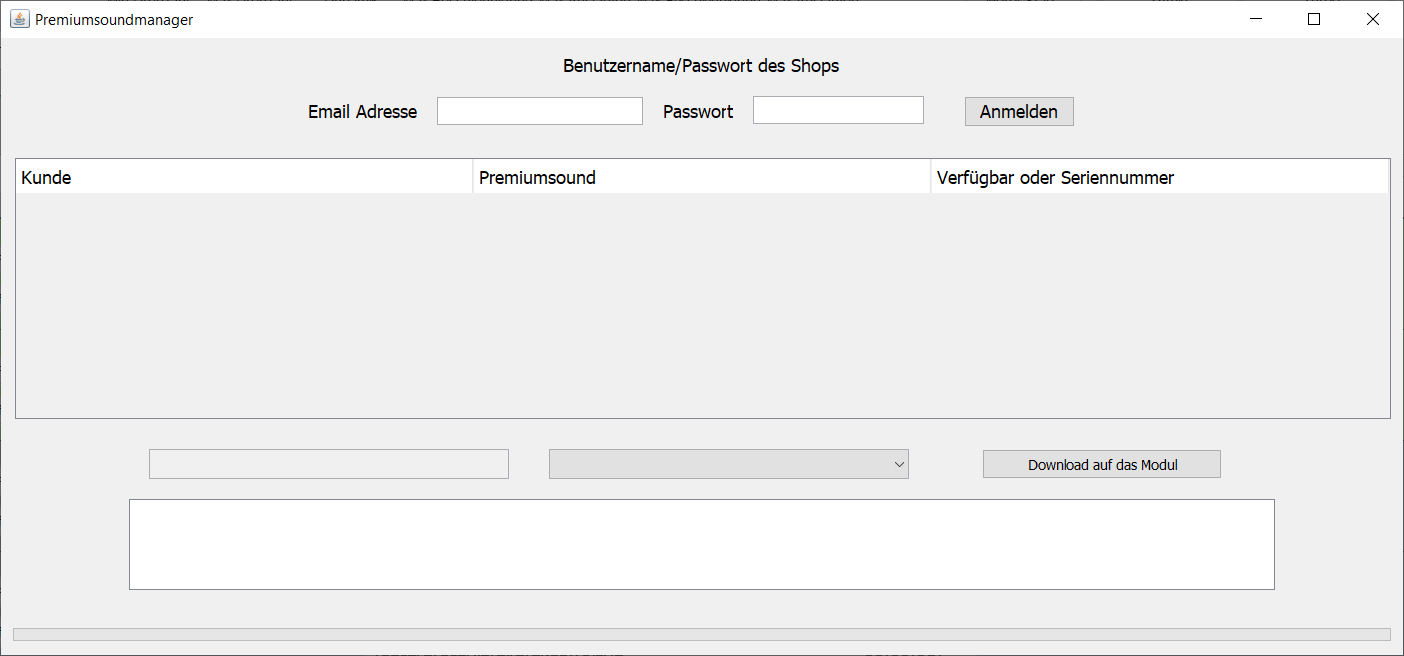
image6.png
Login and Select Sounds
Enter your user credentials with which you purchased the premium sounds. After clicking “Login”, all your purchases will be displayed.
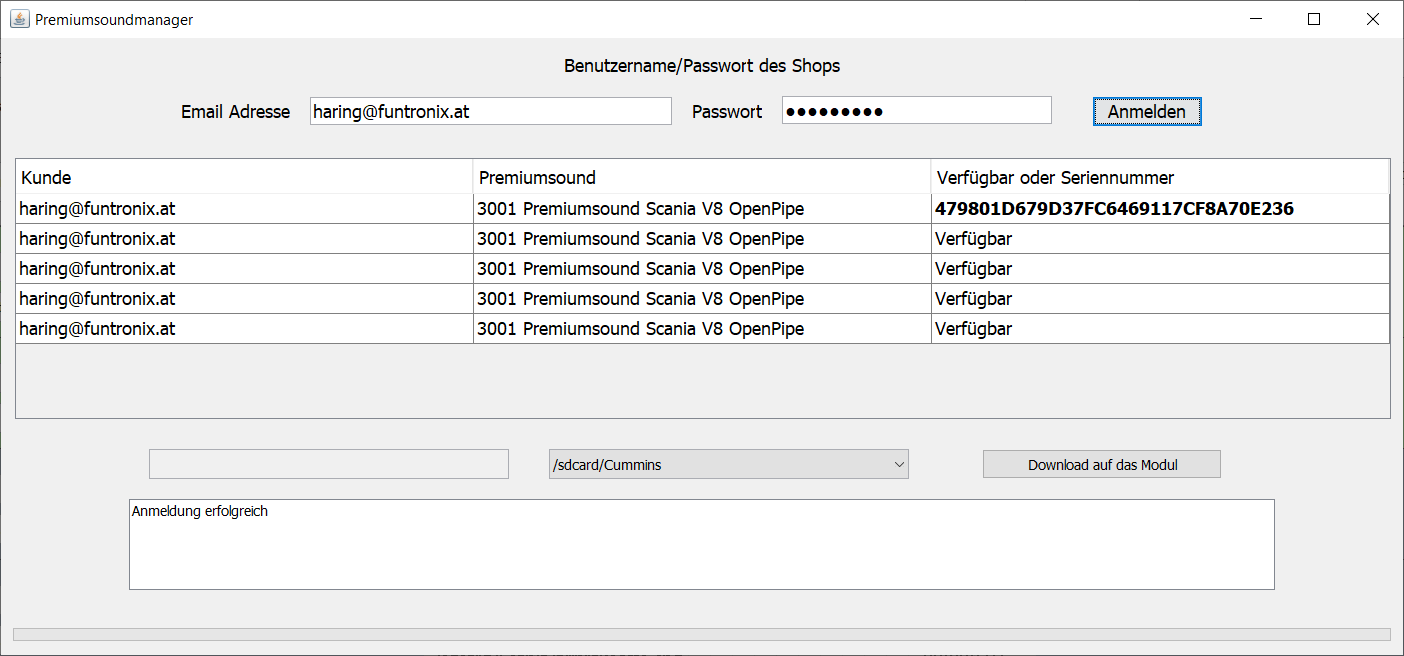
image7.png
In the right column, you can see the license status:
- “Available”: The sound is not yet assigned to any sound module and can be installed.
- Serial Number: The sound is already assigned to a sound module.
Select the desired sound, choose the appropriate project on the SD card, and click “Download to Module”.
In the example below, the module is already registered, but the sound is to be installed again, e.g., because the SD card was replaced.
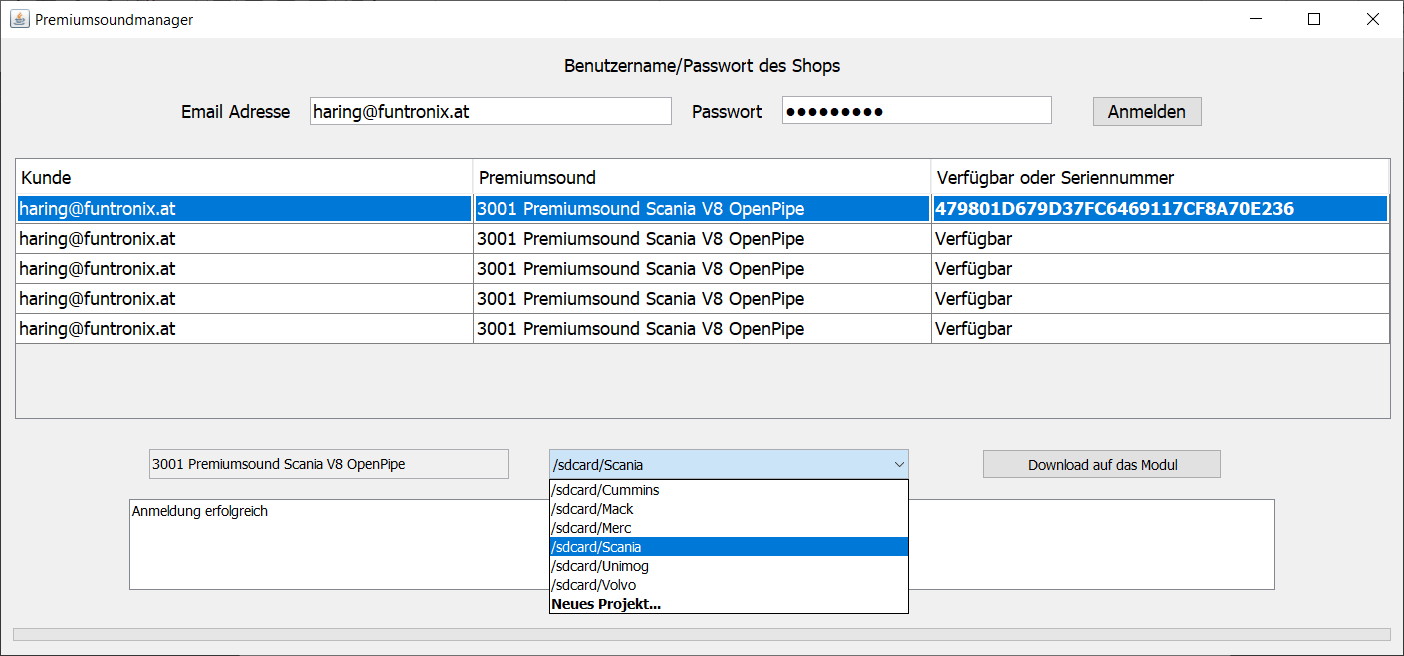
image8.png
Confirm Download
Confirm the download to start the process.
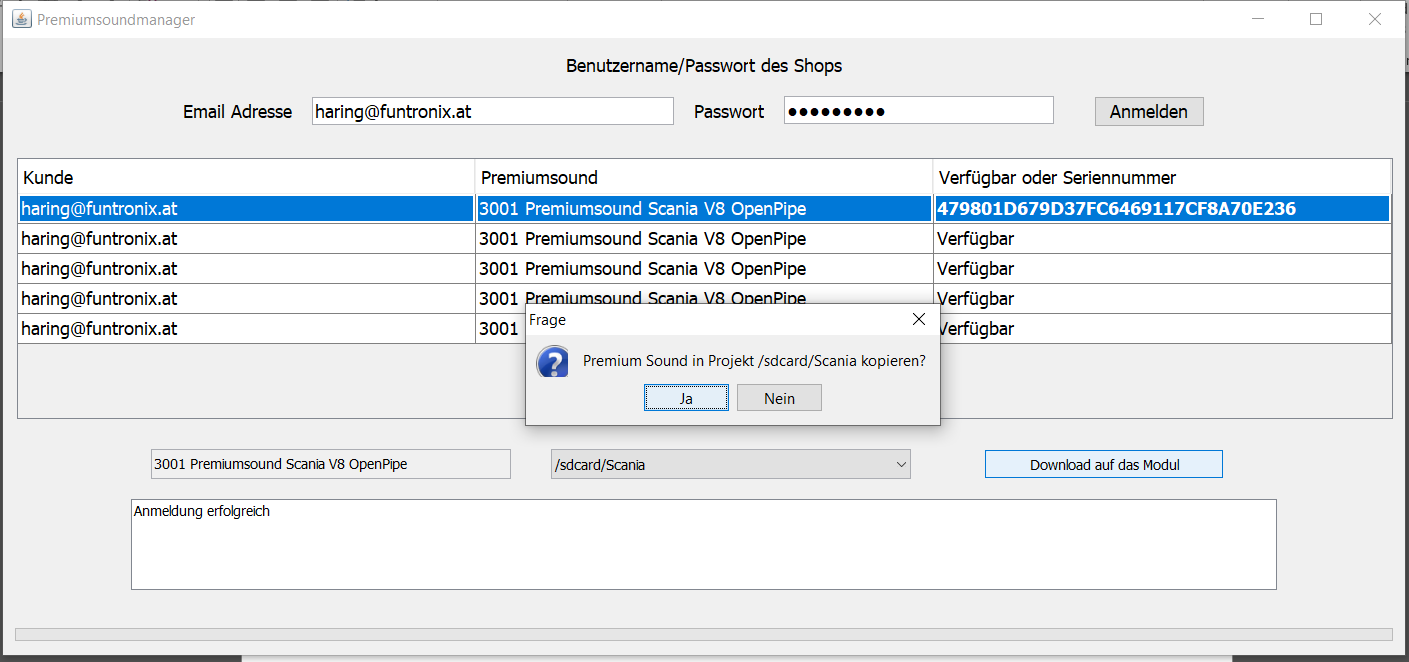
image9.png
After confirmation, the selected sound will be downloaded. The license file will either be newly generated or reused and then copied together with the sound to the sound module.
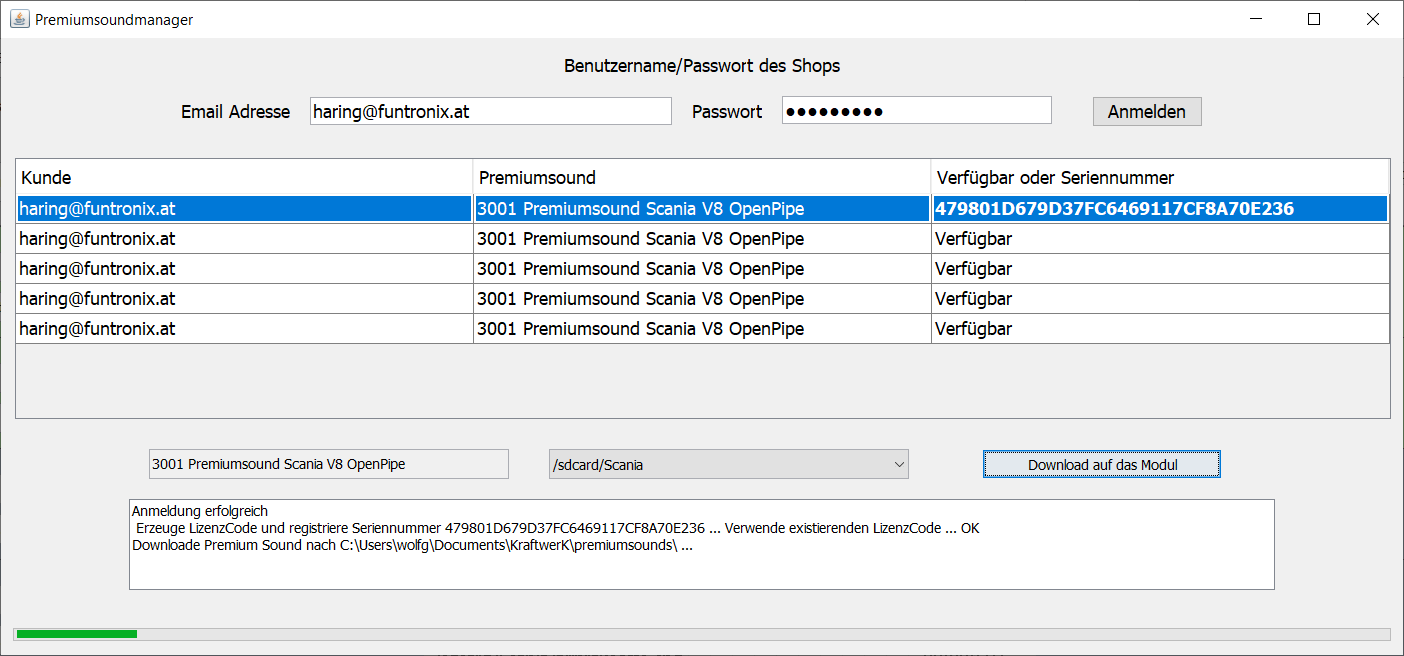
image10.png
Completion of Installation
After the copying process, the sound will be automatically reloaded.
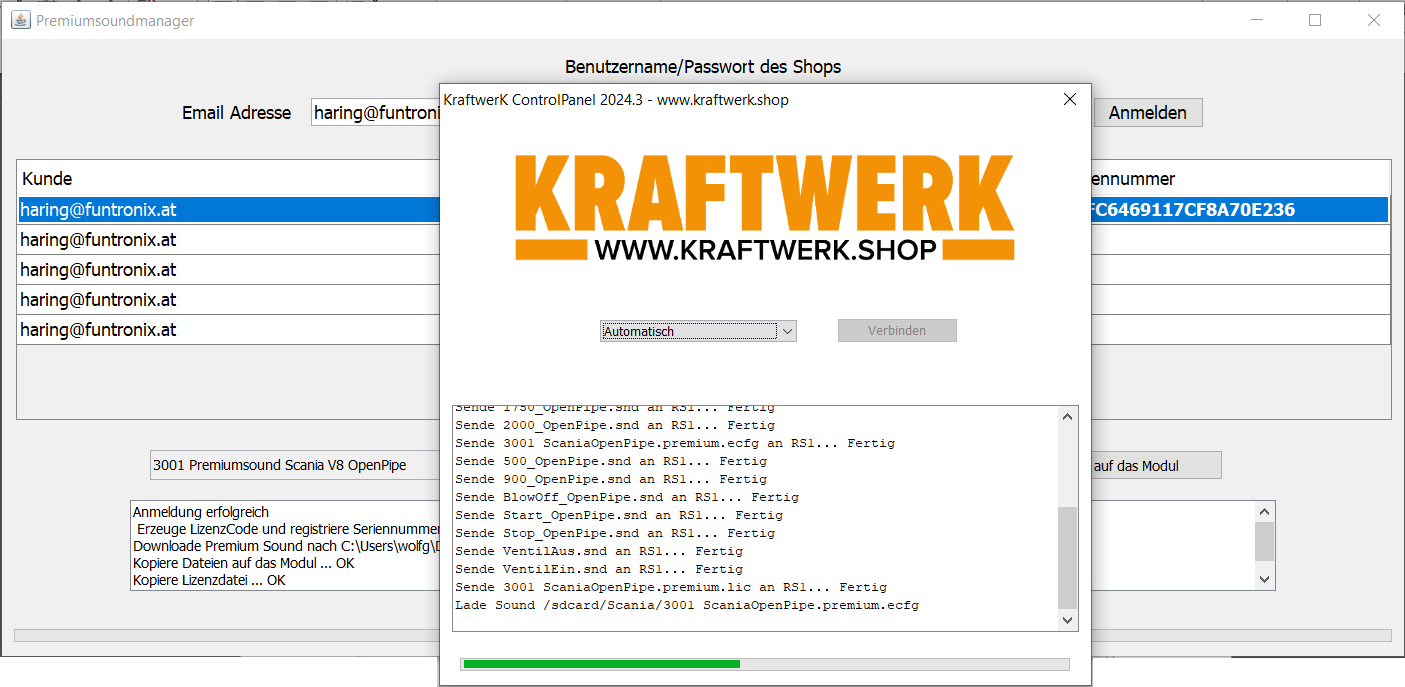
image11.png
The sound is now ready for use and can be used immediately.
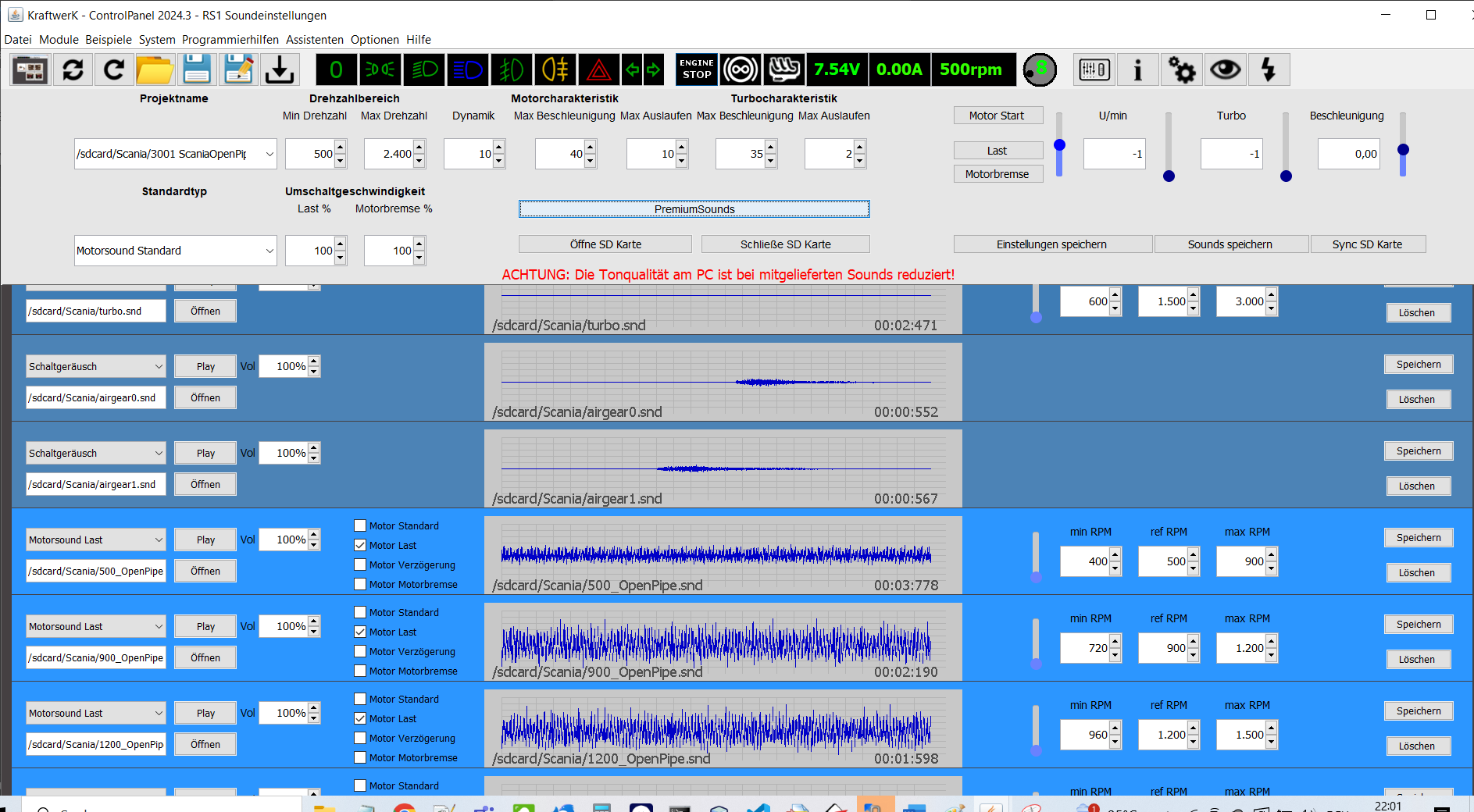
image12.png