Device Information
Here you will find basic information about the modules. "Show Device" turns on the first three outputs to facilitate identification.
With "Reset" you restart the module, "Factory Settings" resets it, and "Update" forces an update.
If updates are available, you will be informed when the ControlPanel starts. Interrupted updates can be manually resumed here.
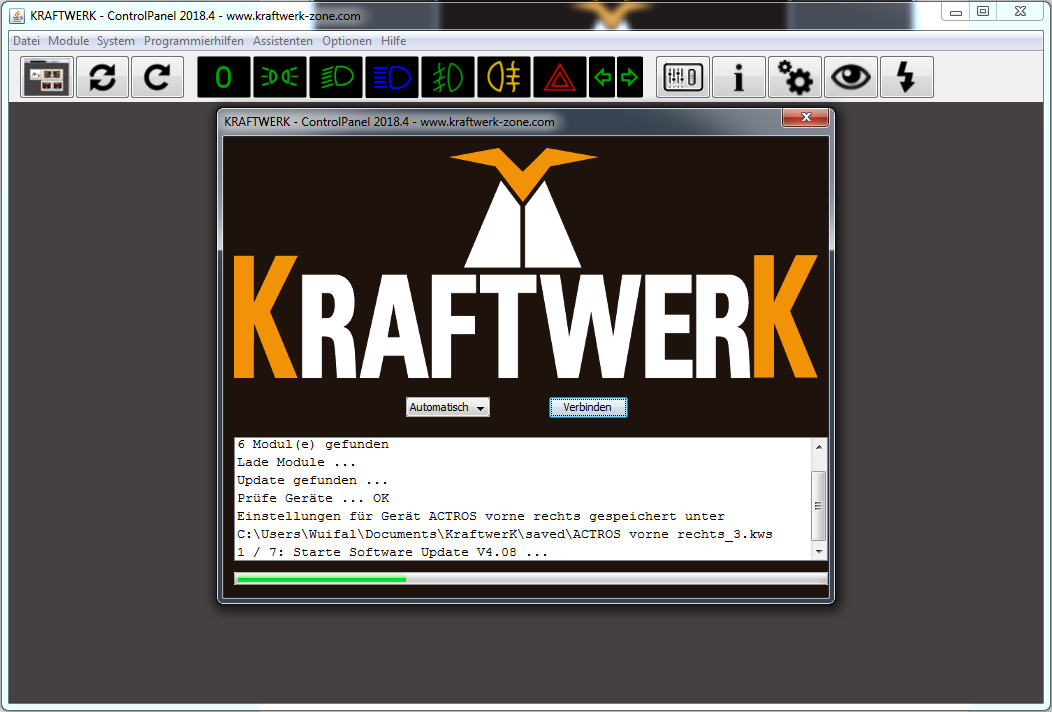
image96.png