ControlPanel Software
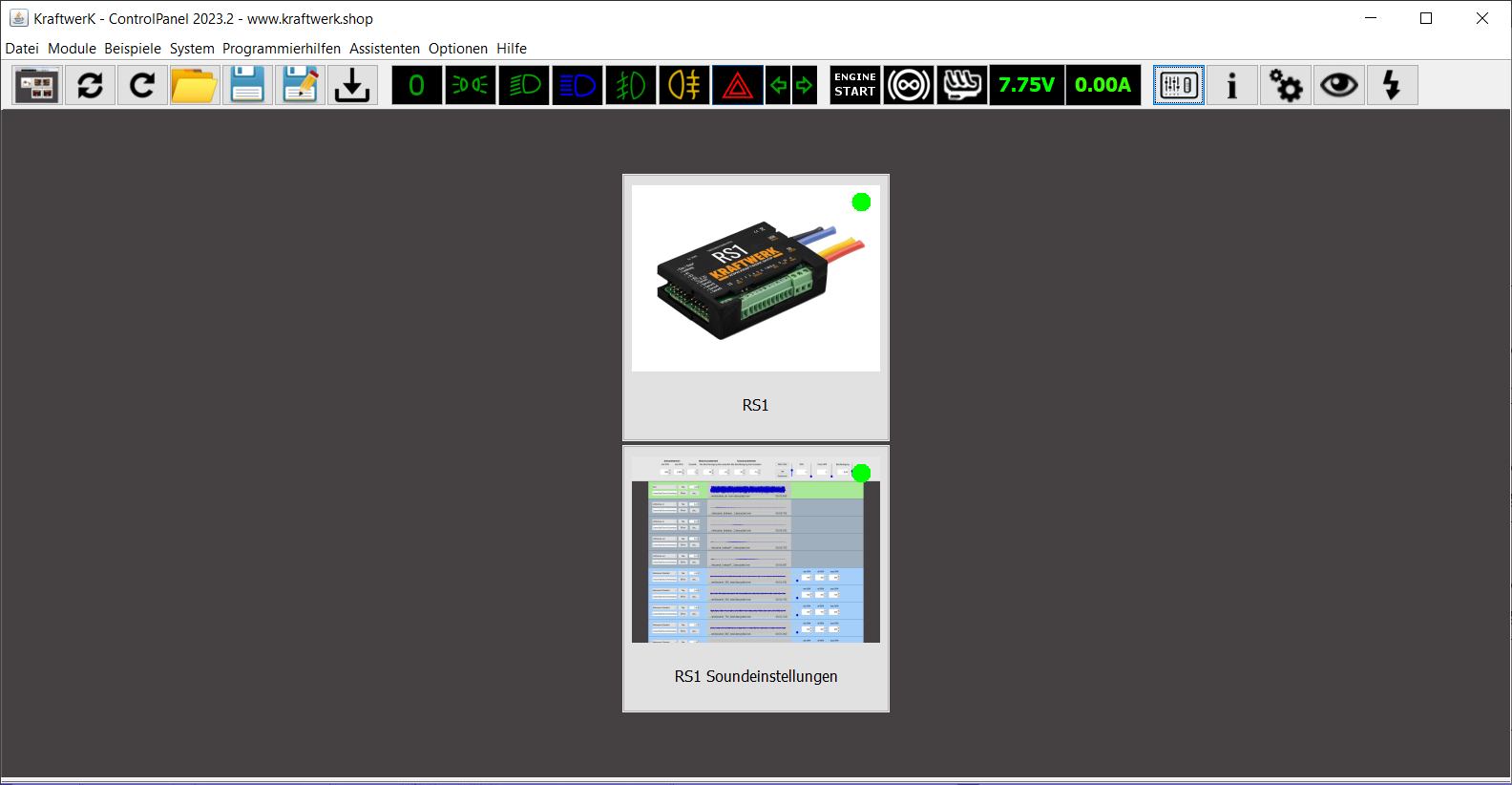
image40.png
Menu Icons
- Back to main overview
- Reconnect: Search for new modules
- Reload module: Discards all settings in the current module view
- Open settings/project
- Save settings/project: Overwrites loaded settings
- Save as: Saves under a new filename
- Write all settings to the module

image41.png
Switching Functions in the Model

image42.png
- Display motor control, battery voltage, and BEC current
- Motor start/stop
- Activate motor brake
- Activate load
- Monitor battery voltage and BEC current
Assistant Icons
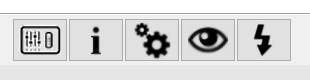
image44.png
- Open live data
- Show device information
- Open system settings
- Show outputs
- Start live update