Learning the Pad on the KLM
There are several ways to learn the pad. The easiest is via the LiveData in the ControlPanel:
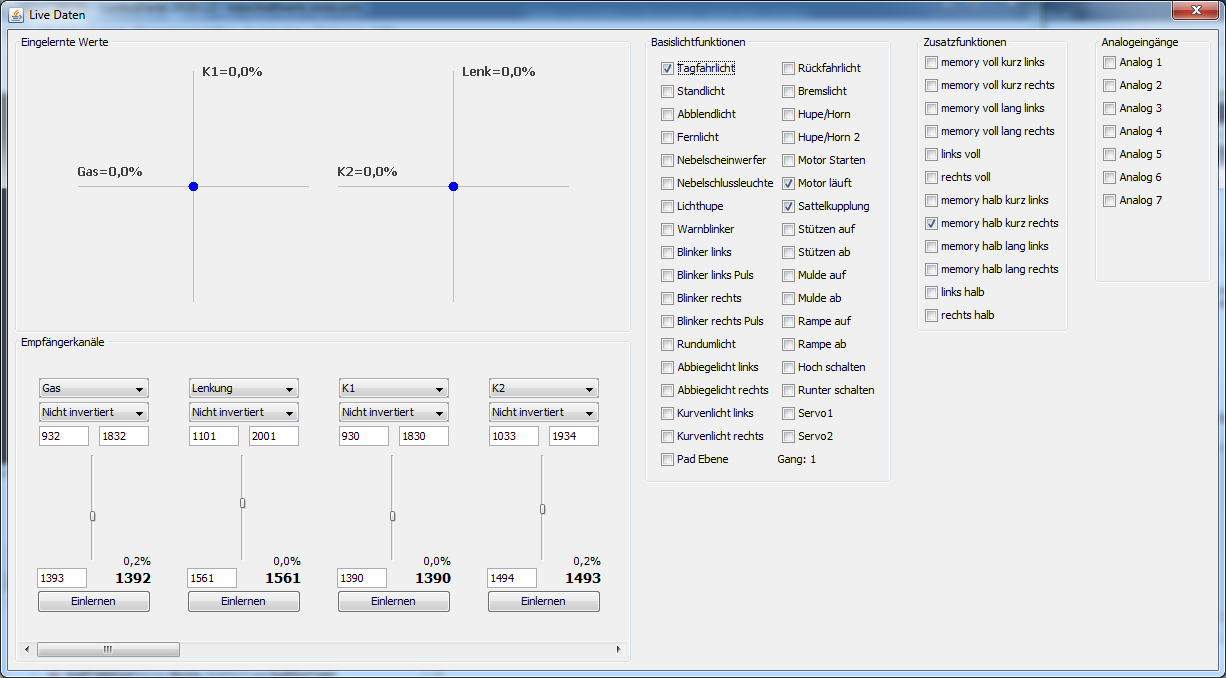
image14.png
- Click the Learn button, the text changes to "Center position".
- Click again to confirm the center position.
- Press the Layer button and click again ("Top / left").
- Press the Minus button and click again ("Bottom / right").
- Finally, click "Save".
Alternatively, you can use the "Learn Channels" assistant in the ControlPanel, which guides you through learning all channels. If the assignment K1/K2 is set correctly, the pad will be automatically considered.
A standard variant without ControlPanel is also possible. Details can be found in the manual for the EasyBus lighting systems or the RS1.
When learning the pad, first press the Layer button, then the Minus button.