Adding a New Sound
Supported sound types:
- All common audio and video formats are supported.
- The ControlPanel automatically converts to the required internal format including bitrate.
- Examples: WAV, MP3, OGG, MP4, SND
At the end of the sound list is the button "New Sound Entry":

image71.png
After clicking, a new row with the default sound type from the basic settings is created. The file can be loaded with "Open".
Alternatively, files can be dragged and dropped into the ControlPanel:

image72.png
image73.png
If a file is dragged into the sound visualization, it replaces the old sound.
For engine sounds, multiple files can be imported simultaneously. If the filenames contain a three- to five-digit number, it is taken as the "ref RPM" and the speed ranges are automatically adjusted. These can later be optimized in the ControlPanel and loaded onto the module.
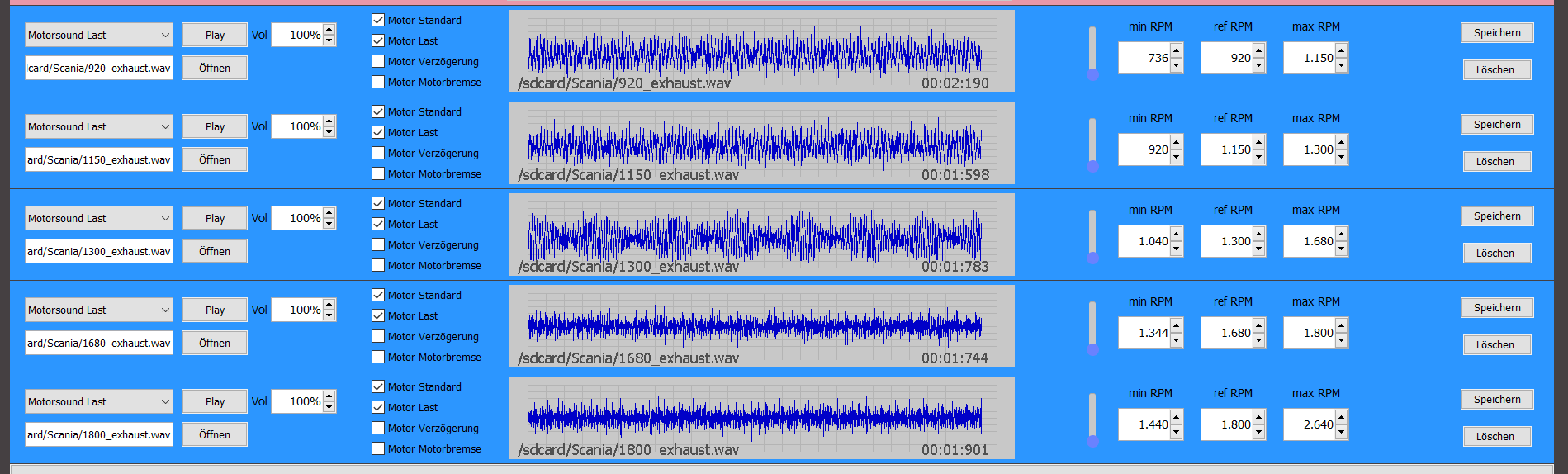
image74.png