Additional Sounds

image64.png
The left half corresponds to the engine sounds with sound type, name, play, open, and volume. Difference: Only two checkboxes available (Engine Standard and Engine Load).

image65.png
Upper Buttons
- Trigger: 1. Rising edge, 2. Falling edge, 3. Both edges
- Playback type: 1. Loop, 2. Always play, 3. Return to start or continue playing
All combinations are possible.
Triggering Function
Depending on the use of the control pad or SUMD remote control, different switches are available. These correspond to the functions in the LiveData.
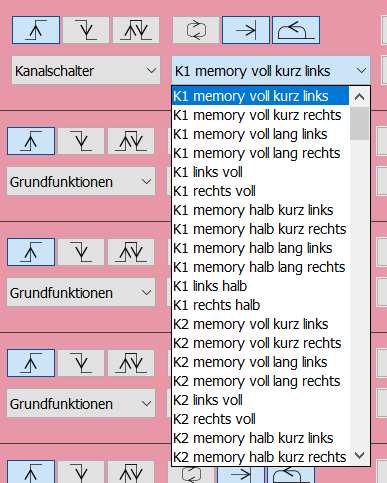
image66.png
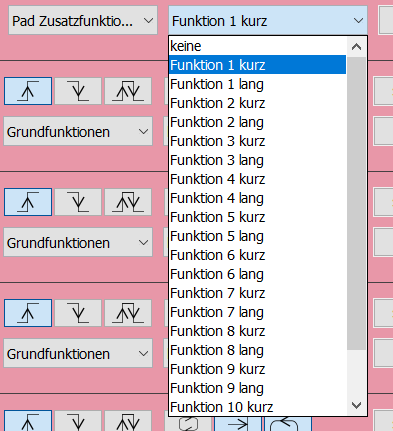
image67.png
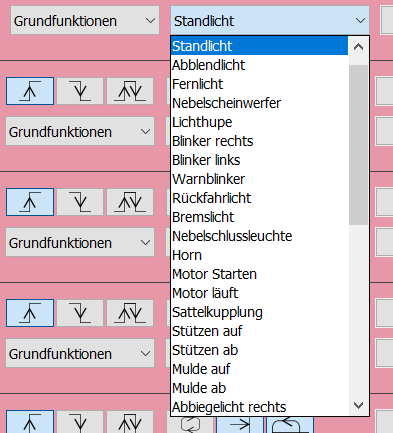
image68.png
Stops
Stop points in seconds can be defined for each sound. When the "always play" function is enabled, the sound plays until the next stop point or continues if the function remains active.
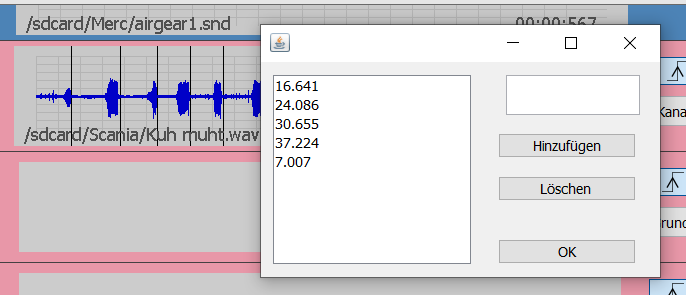
image69.png
Random
The sound starts every x to y seconds, as long as it is active.
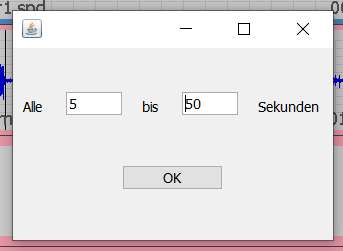
image70.png