Updates
After connecting, the ControlPanel offers available updates for bus modules.

image6.png
Update Tips:
- Always update only one module at a time to avoid errors.
- Avoid power interruptions during the update.
- Disconnect servos/motors if twitching or humming occurs.
- Restart the model and ControlPanel regularly, especially if there are unusual delays.
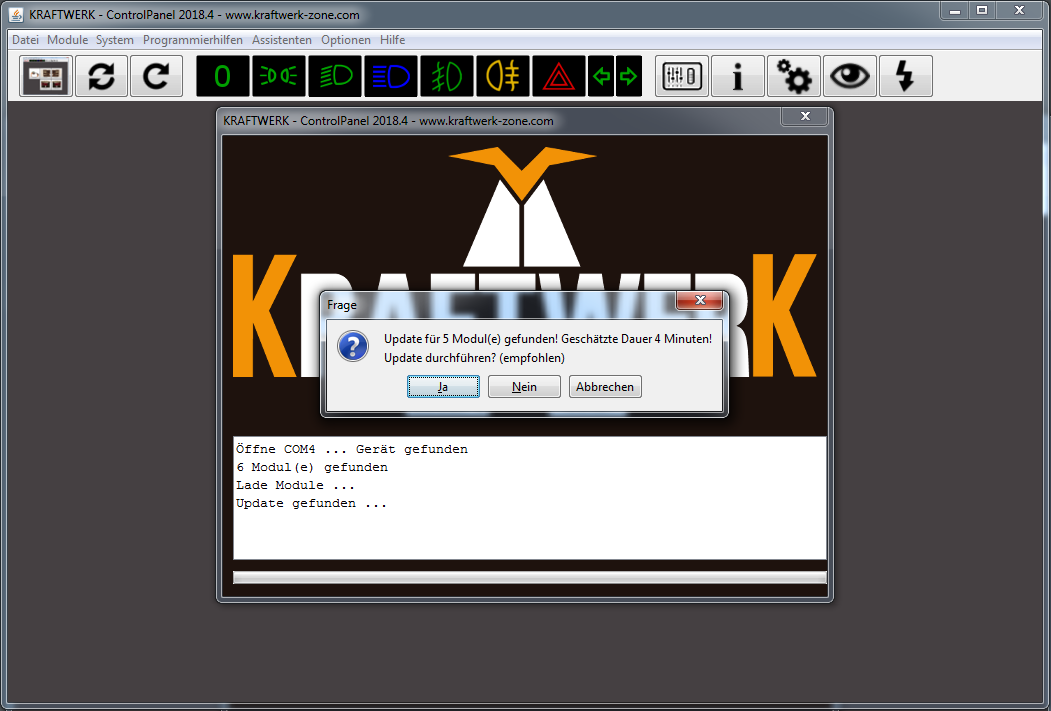
image92.png
image6.png
Updates can reset modules to factory settings. The ControlPanel automatically backs up all settings on the hard drive so they can be restored later.
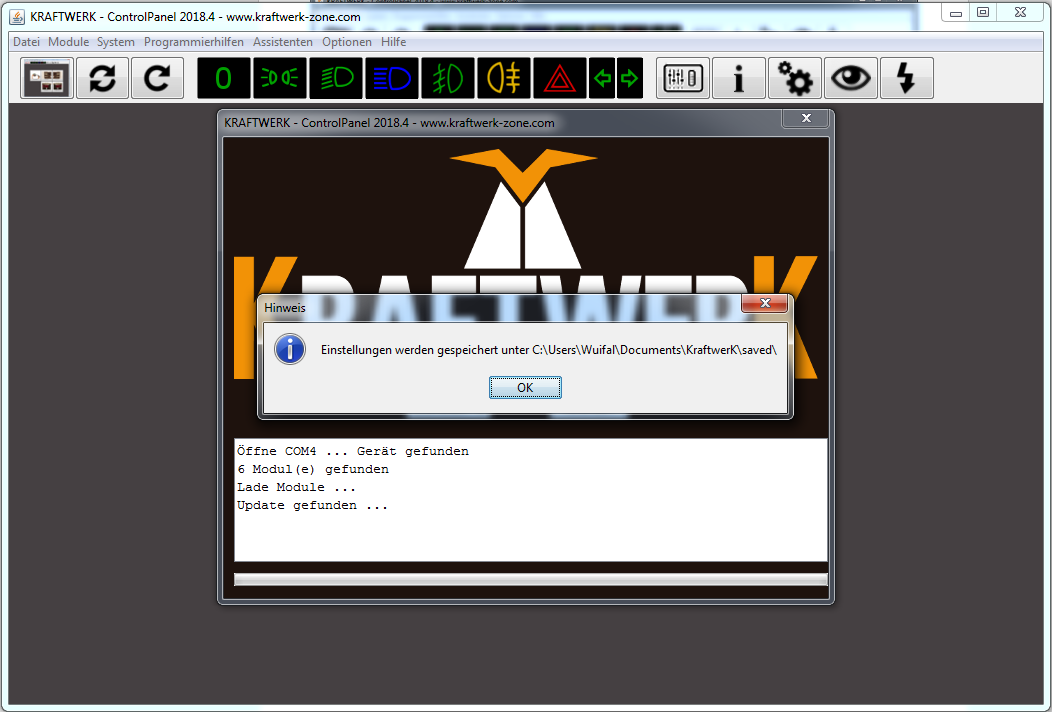
image93.png
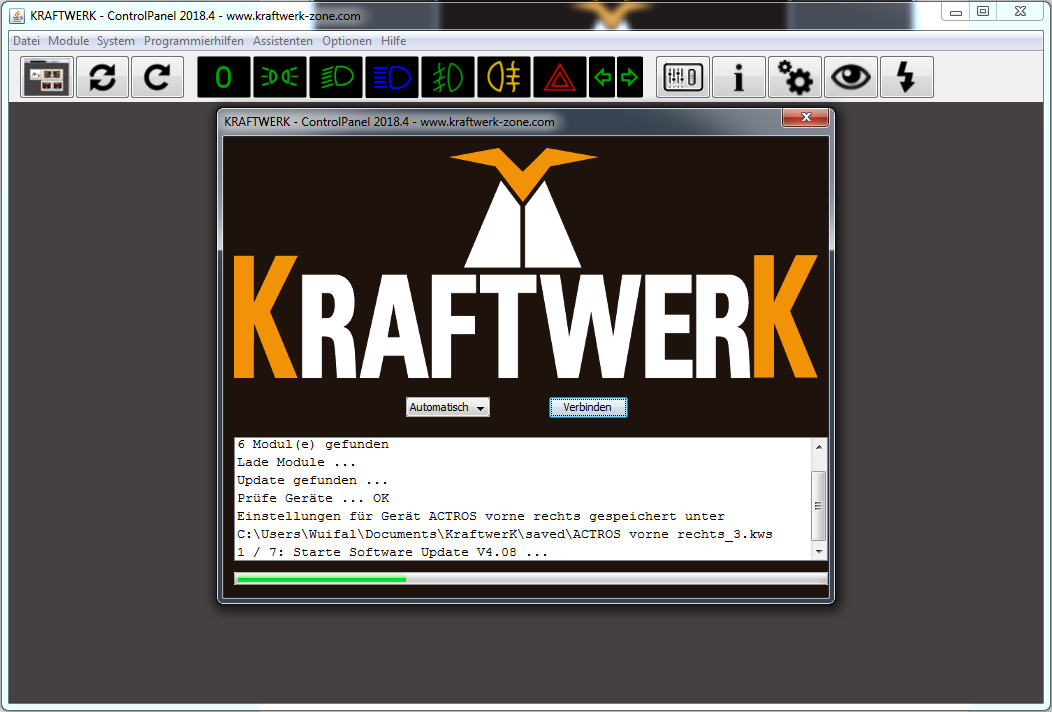
image94.png
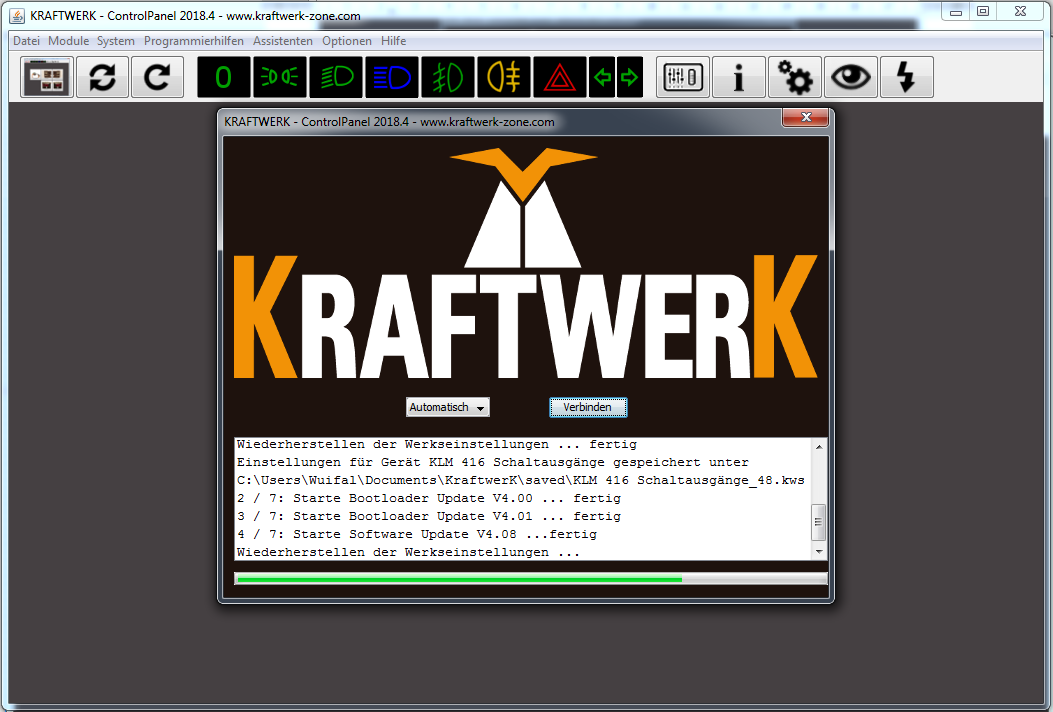
image95.png
After updates, all modules are displayed. The KLM 4/16 consists of the main module with four servo outputs and the integrated switch extension with 16 switch outputs.
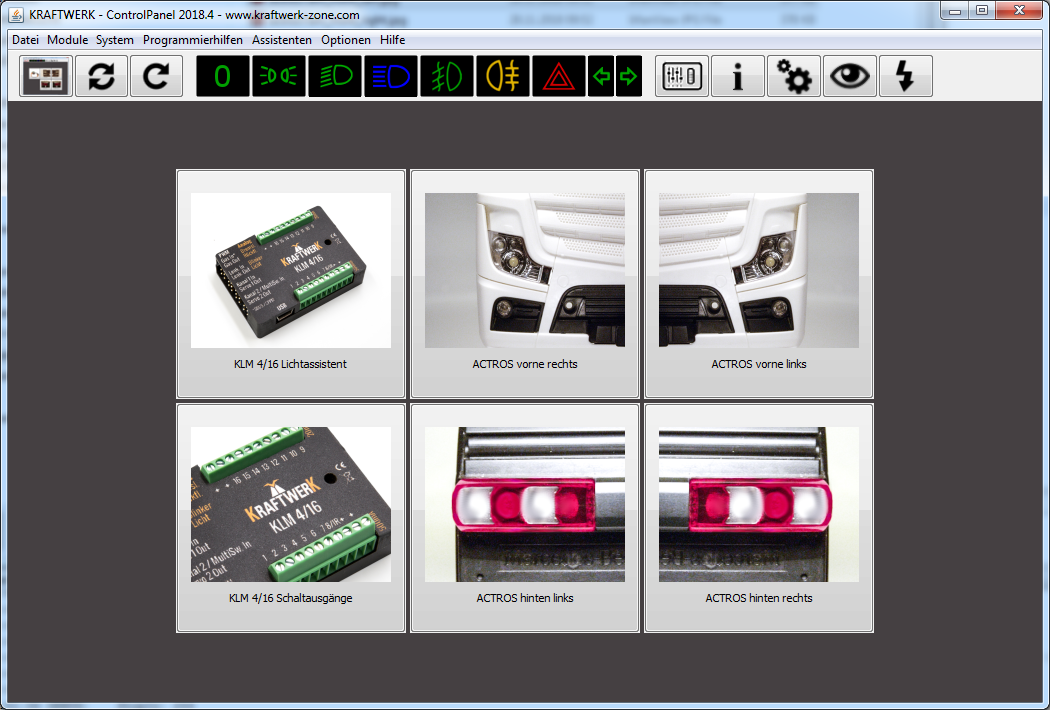
image73.png